My Journey
Branding
Phone Only 📱
How I Started My Brand From My Phone (No Laptop Needed!)
No laptop. No designer. Just my phone, a cup of chai and a big dream. Here is how I gave my brand a name, a username and a home on the internet.
By Mariam • • 5 min read
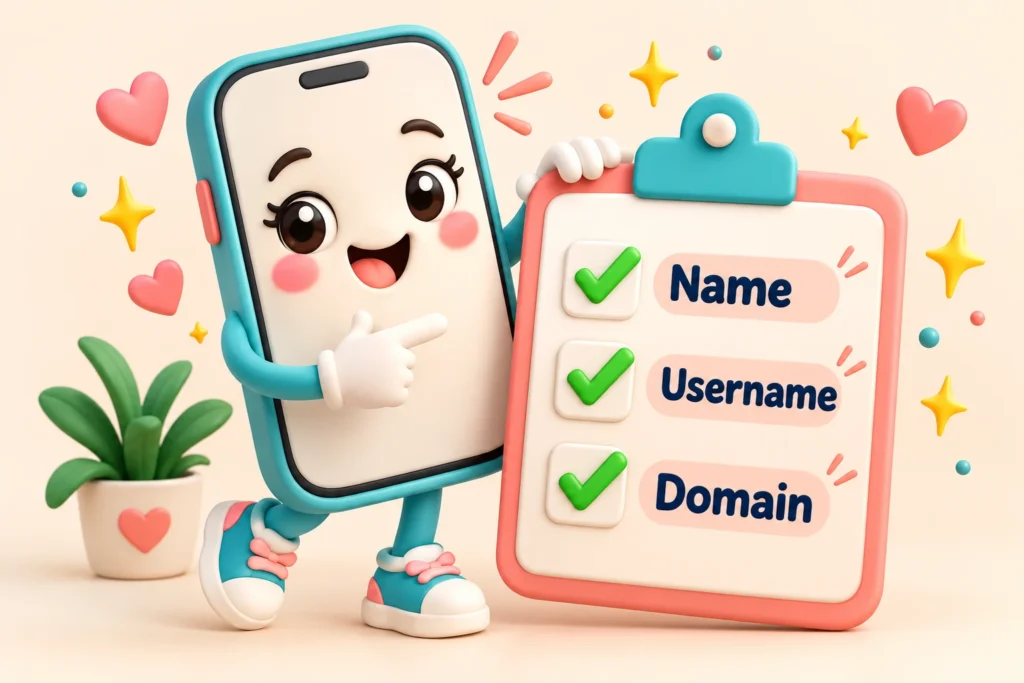
Every brand has a birthday. Mine is 7 July 2026. That is the day Fresh Idea With Me was born.
And here is the funny part: I did almost everything on my phone. Just scrolling and typing, step by step, I started a brand. 😄
I had two big reasons. First, I wanted one happy place to share everything I learn, like AI tools, Canva, CapCut and websites. Second, I wanted to show girls in Pakistan that they can learn new skills and earn online too. So if you want to start a brand but you think you need a laptop or a big team, this blog is for you.
I Picked a Name That Felt Like Me
I wanted a name that sounds friendly, creative and welcoming. Something that feels like a friend saying, “Come, let’s learn together.” So I chose Fresh Idea With Me. Every word has a meaning:
Fresh
New thinking and new chances. Never too late to start!
Idea
Creativity, learning and small sparks that grow.
With Me
An invitation. You are not learning alone.
My little secret rule: while choosing a name, keep it to yourself and your family. Good names get taken fast, so share it only after it is safely yours.
I Checked the Username on Every App
A name is not enough. You also need the same username everywhere, so people can find you easily. So one by one, I searched “freshideawithme” on Facebook, Instagram, YouTube, Pinterest, LinkedIn and more.
At the same time, I checked the .com domain with the same name. And guess what? Everything was available! Honestly, I was smiling at my phone like I had won a prize. 🎉
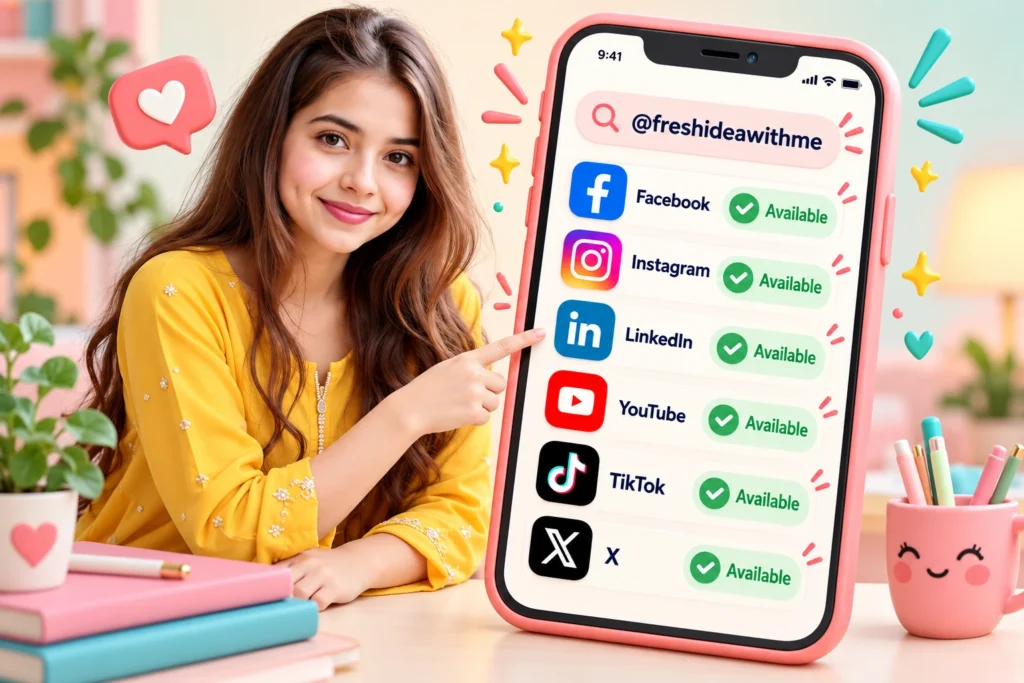
Checking if my username was free, right from my phone.
I Bought the Domain Right Away
This is my most important tip. When your name and domain are free, do not wait. Buy the domain as soon as you can.
Why? Because a domain is like a plot of land on the internet. If you wait, someone else might pick the same name, and then you can’t do anything. So I bought freshideawithme.com, and my brand finally had its own address. 🏡
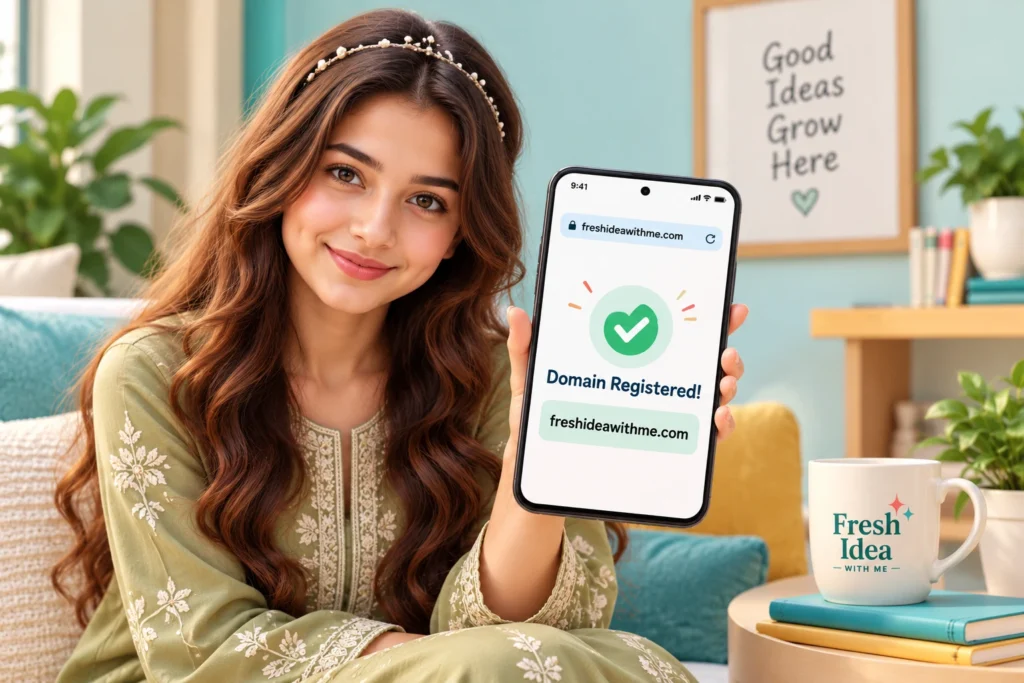
My brand finally got its own address on the internet.
I Made Two Gmail Accounts, Not One
This is a small step that many people skip. I made two separate Gmail accounts for my brand:
Private Gmail
Only for me. I use it for safety and account recovery. Nobody sees it.
Public Gmail
For the brand. This is the one I use to make social accounts.
This keeps my brand safe and organized. Later, I also made a professional email, info@freshideawithme.com, for business messages.
Safety tip: turn on 2-step verification on every account. It takes two minutes and protects your hard work.
How to Start a Brand: My Simple Checklist
If you want to start a brand, save this list. It is exactly what I did, step by step.
Your Brand Starter Checklist
Choose a name with a meaning you love
Keep it secret until it is yours
Check the same username on every app
Check the .com domain and buy it quickly
Make a private and a public Gmail
Create your social accounts with one logo
Turn on 2-step verification everywhere
“I started my brand on my phone. If I can do it, you can do it too.”
Quick Questions
Can I really start a brand without a laptop?
Yes! I made my name, usernames, Gmail accounts and social accounts all on my phone. You can do the same.
Should I buy the domain first or make social accounts first?
Check both at the same time. If the name is free everywhere, buy the domain quickly, then make your accounts.
Why do I need two Gmail accounts?
A private Gmail keeps your recovery and security safe. A public Gmail is for your brand work. This keeps everything organized.
Final Thoughts
Starting a brand felt big and scary in my head. But when I broke it into small steps, it was actually fun. One name, one username, one domain, one account at a time.
In my next blog, I will show you how I made my logo and brand colors with ChatGPT. So stay with me! 💛
With love,
Mariam
Your Brand, Your Dream
Psst… Got a Name in Mind? 🤫
Do you have a brand name in your heart? Don’t tell me the name, keep it secret! 😉 Just tell me in the comments: which app will you check first?
One Week, All My Social Accounts
On 7 July, I made my first accounts. Then, from 7 to 14 July, I made all the others, one by one, and added my logo to each profile.
My brand accounts, all with the same name and logo.
Of course, not everything went perfectly. 😅 My business email needed a second try, and TikTok took a little longer than the others. But that is okay. Small bumps are part of every journey.