
AI Tools
Beginner Friendly
Step by Step
How Do I Start Using AI? My Simple Guide for Beginners
Everyone is talking about AI, but nobody tells you where to start. So here is my simple, honest answer, in 7 small steps. No tech talk, I promise. 🤖
By Mariam • • 6 min read

If you want to start using AI but feel a little confused, you are not alone. There are so many tools and so many big words. Honestly, it can feel like everyone else already knows the secret.
But here is the truth: using AI is mostly just chatting. So in this guide, I will share the same small steps I would tell a friend over a cup of chai. ☕
What You Need to Start Using AI
Your Tiny Checklist
A phone or a laptop
An internet connection
An email or Google account
Ten minutes a day
A little curiosity (the most important one! 😊)
What is AI, in one line? It is a smart helper you can chat with, like messaging a very helpful friend who knows a lot about everything.
Free is enough to start. ChatGPT, Claude and Gemini all have free versions. So you don’t need to pay anything on day one.
How to Start Using AI: 7 Simple Steps
Take one step a day, or do them all today. There is no rush, and there is no wrong way.
Step 1
Pick One AI Tool
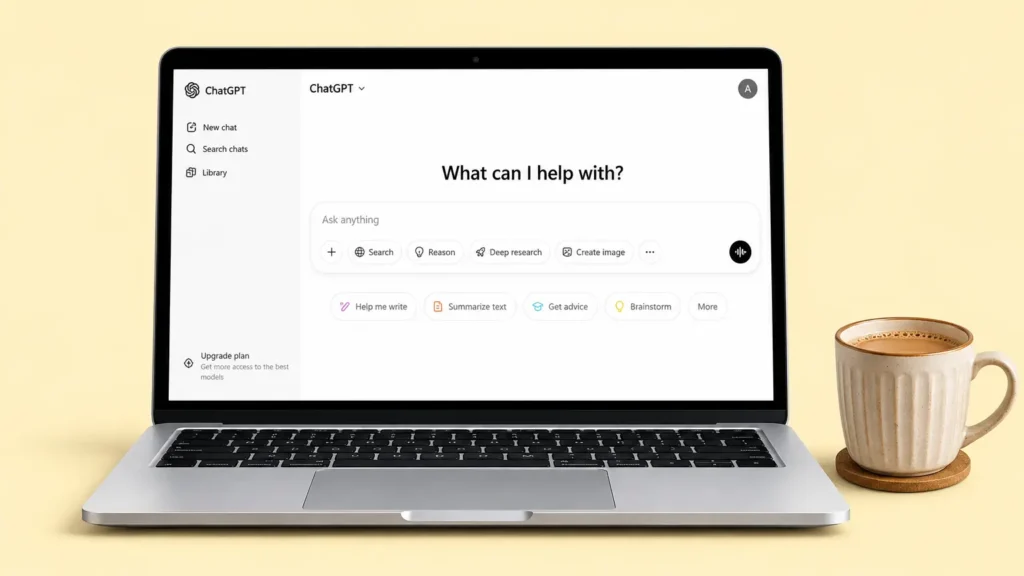
Choose one tool and stay with it for a while.
Step 2
Make Your Free Account
Next, sign up with your email or your Google account. Both tools also have phone apps, so you can chat with AI anywhere, even in the kitchen. 😄
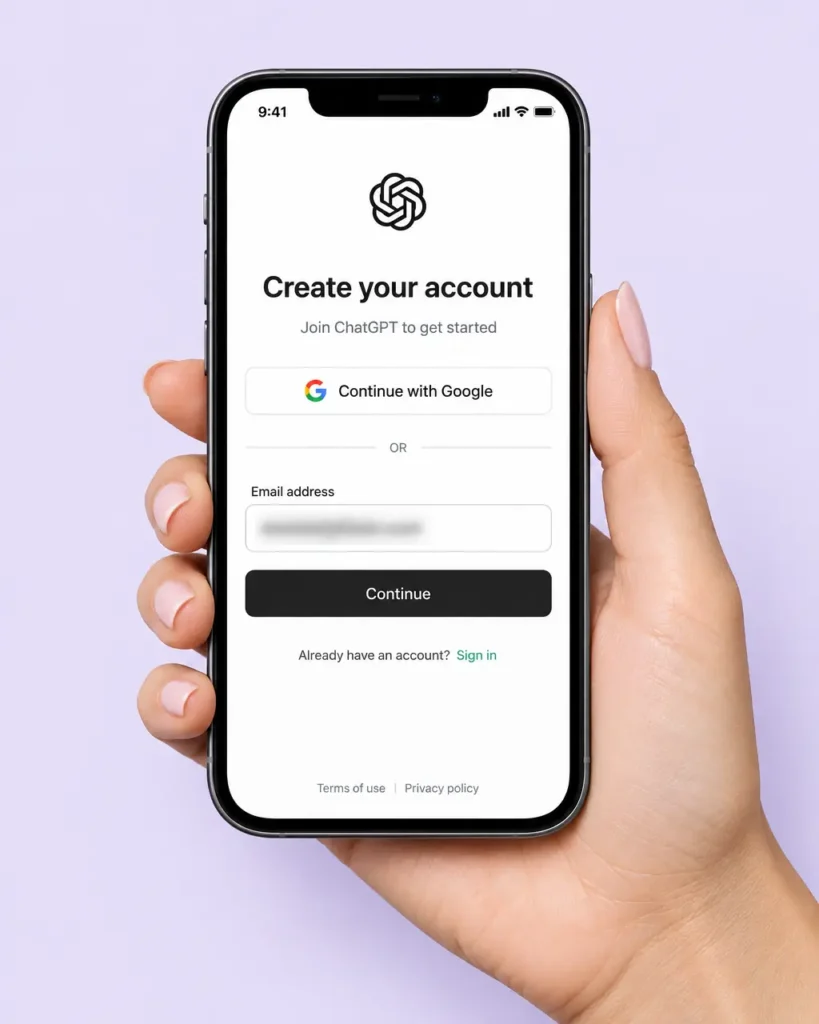
Sign up in a minute with your email or Google.
Step 3
Say Hello and Ask Something Small
Now type your first message. Keep it simple, for example: “Give me five dinner ideas with chicken and potatoes.” Then read the answer and smile, because you just used AI!
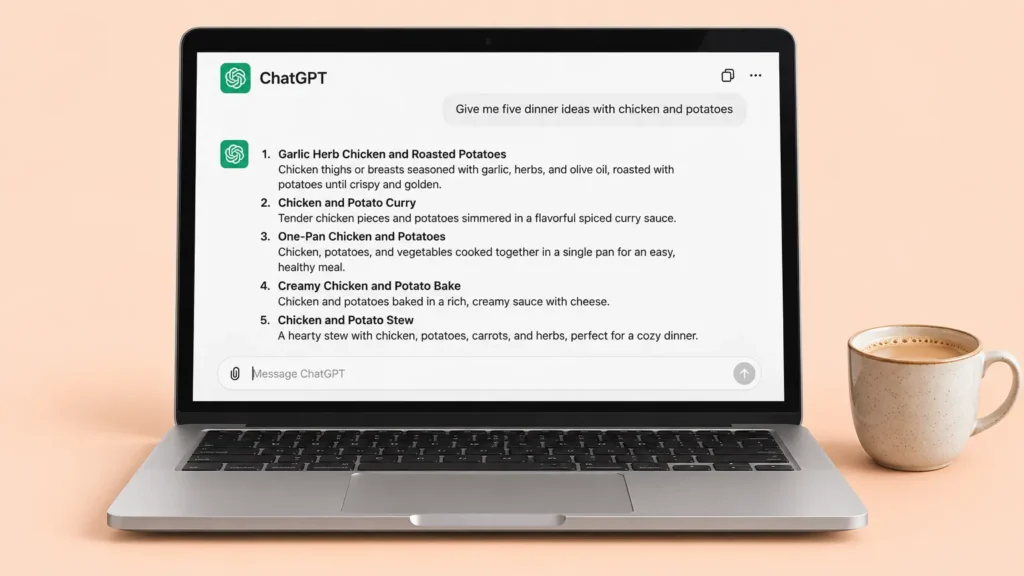
Your very first chat with AI.
Step 4
Use It for One Real Task Every Day
After that, use AI for one small real task every day. Write a polite WhatsApp message, plan your day, explain your child’s homework, or make a shopping list. Small daily use builds big confidence.
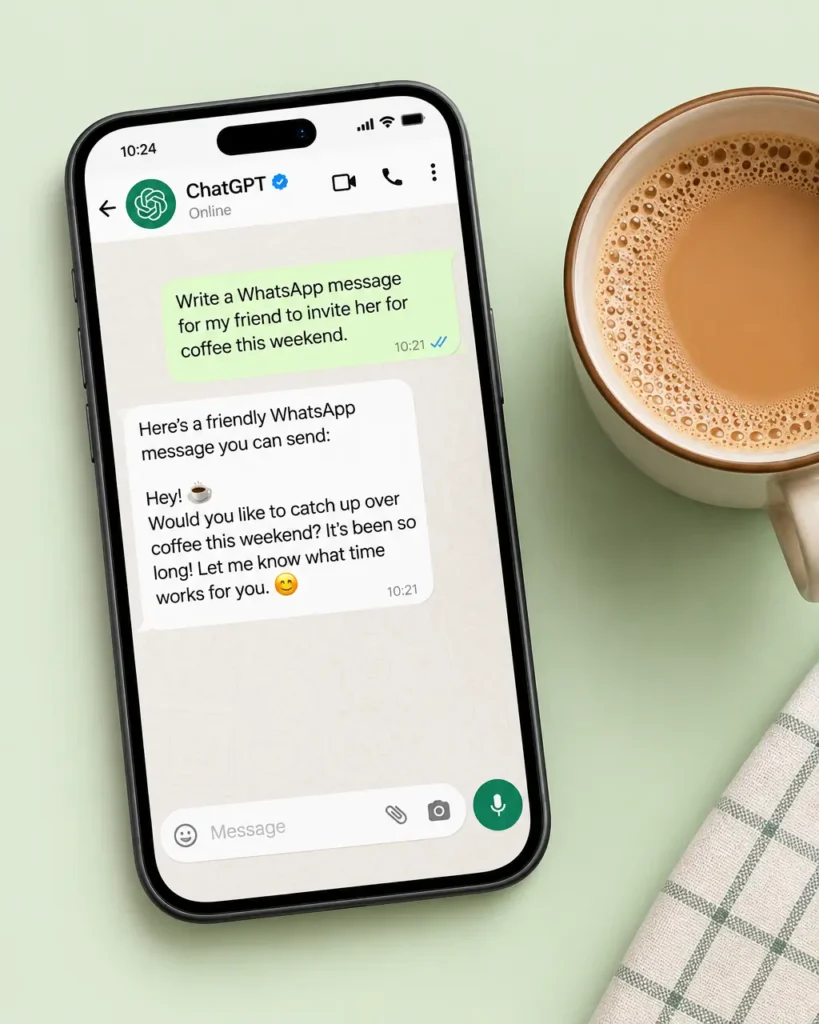
Small daily tasks make AI feel normal.
Step 5
Talk to It Like a Friend
The more details you give, the better the answer. So instead of “write a message,” say: “Write a short, friendly WhatsApp message to my neighbour, inviting her for tea on Sunday.” See the difference?
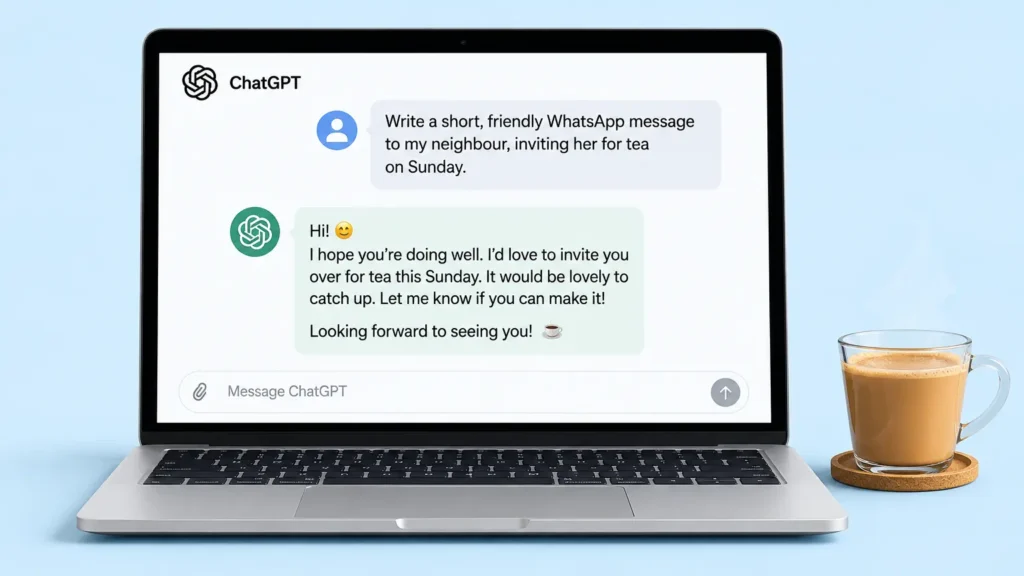
More details mean better answers.
💡 Good news: You can write in English, Urdu or even Roman Urdu. AI understands all of them, so use whatever feels easy.
Step 6
Ask Again if You Don’t Like It
Didn’t like the answer? No problem. Just reply: “make it shorter,” “make it simpler,” or “make it more fun.” AI never gets tired of trying again. 😊
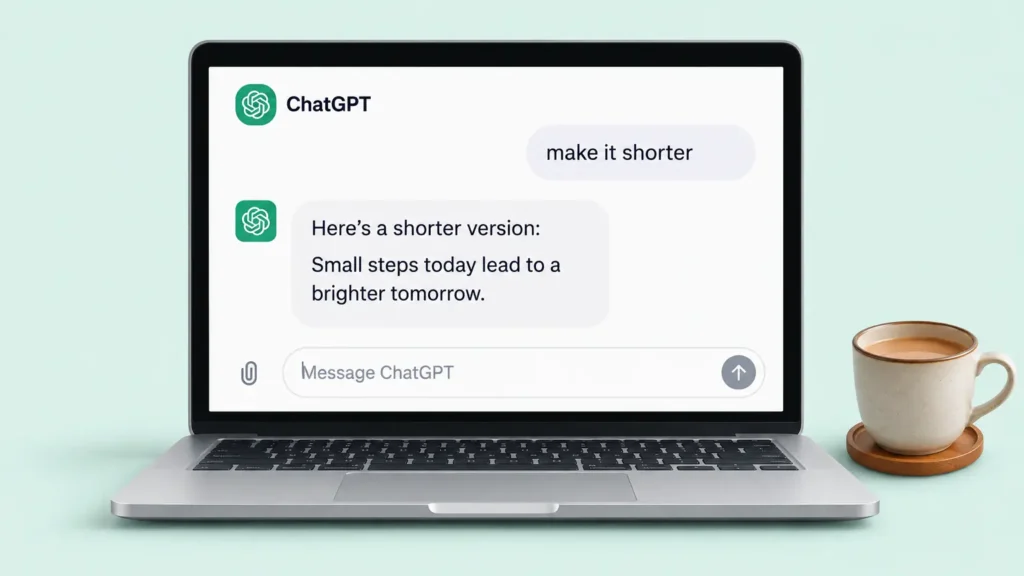
Ask for changes until you are happy.
Step 7
Check Important Facts
Finally, remember that AI can make mistakes. So for health, money or legal matters, always double-check with a trusted source or an expert. And never share your passwords or bank details in any chat.

AI is smart, but always check important facts.
What Can AI Help You With?
Once you start, you will be surprised how many little things AI can help with:
Writing
Messages, emails, captions and even birthday wishes, written faster and better.
Learning
Ask it to explain anything, from a recipe to a new skill, in very simple words.
Ideas
Business names, gift ideas, post ideas or weekend plans, whenever you feel stuck.
Try this: Ask AI to explain anything “in very simple words, like I am new to this.” It really helps when a topic feels too hard.
Ready for a Bigger Step?
Want to See What AI Can Really Do? 🚀
Once you are comfortable chatting with AI, you can try bigger things with it. For example, I built this whole website with AI’s help, while I made every decision myself.
My AI Safety Rules for Beginners
AI is a wonderful helper, but a smart user is always a careful user.
Use AI the Safe Way
Never share passwords, bank details or ID numbers.
Don’t upload private family photos or documents.
Always check important facts before you trust them.
Read what AI writes before you copy and send it.
Keep your own voice, because AI is the helper, and you are the boss.
More to know
What Exactly Is AI? (And How to Learn About It)
What exactly is AI? It is computer software that can understand language, recognize patterns and create new things like text, pictures and voices. Generative AI examples include ChatGPT and Claude (writing), Canva AI (designs) and ElevenLabs (voices). The best way how to learn about AI is by using AI for one small daily task. Explore more on our Learn AI page.
Quick Questions
Is AI free to use?
Yes, you can start for free. ChatGPT, Claude and Gemini all have free versions. Paid plans give extra features, but you don’t need them to begin.
Can I use AI in Urdu?
Yes. You can chat with AI in English, Urdu or Roman Urdu. Many people mix all three, and it works just fine.
Which AI tool is best for beginners?
Start with one chat tool, like ChatGPT or Claude. Both are easy to use. The best tool is simply the one you start using every day.
Do I need a laptop to use AI?
No. You can use AI on your phone with the free apps. A laptop just makes longer work, like writing or building websites, more comfortable.
Is it safe to use AI?
Yes, if you use it wisely. Don’t share private information, and always check important facts, especially about health and money.
Final Thoughts: Start Using AI Today
So, how do you start using AI? You open one tool, say hello, and ask one small question. That’s it. Everything else comes with practice, one day at a time.
Start today with something tiny. Then come back tomorrow and do it again. Before you know it, AI will feel like a helpful friend who is always there when you need it. 💙
With love,
Mariam
Your First Question
What Will You Ask AI First? 💬
Tell me in the comments: what is the first thing you will ask AI? Or if you already use it, share your favourite way to use it!