
Planning
Free Template
Social Media
How to Make a Social Media Plan (Free Simple Template)
Here is how to make a social media plan in one hour on Sunday, so your whole week of posts is ready. Step by step, just like I plan mine. 🗓️
By Mariam • • 5 min read
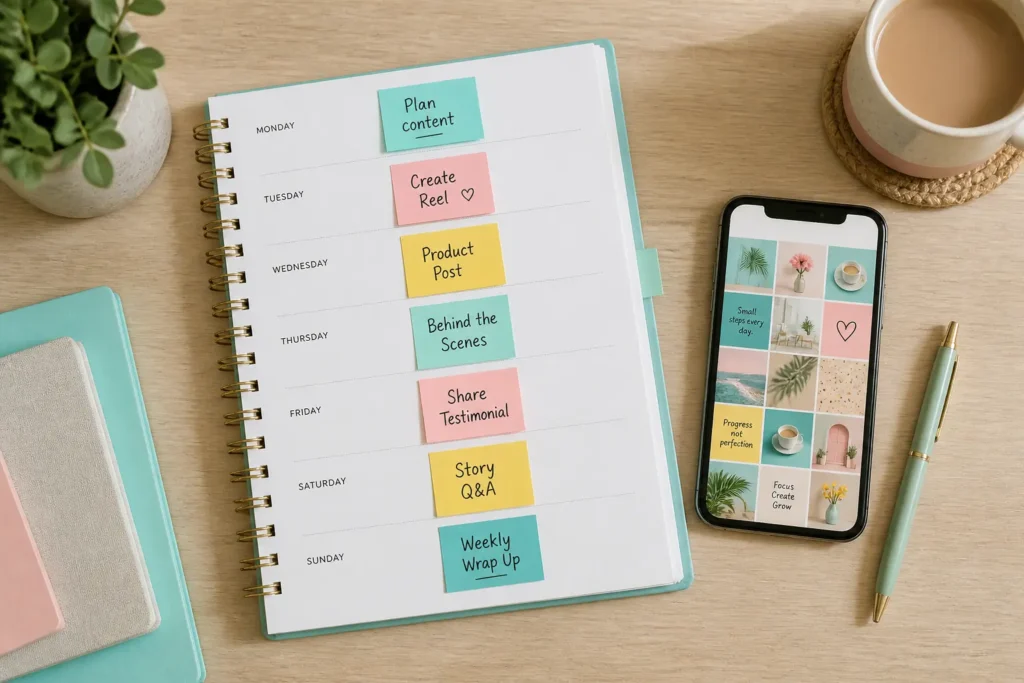
Every morning used to start with the same question: “What should I post today?” Then I would waste one hour just thinking, and sometimes I posted nothing at all. 😅
Finally, a social media plan fixed this for me. Now I plan once, make my posts in one go, and my week runs by itself.
In this blog, I will show you how to make a social media plan in 6 easy steps. I am also sharing my free weekly template and the AI prompt I use to plan a whole month in minutes.
What Is a Social Media Plan?
In short, a social media plan is a simple calendar that says what you will post, on which app, and on which day.
However, people often mix up a strategy and a plan. So here is the easy difference:
- 🧭 Strategy is the big picture: your goal, your audience and your topics.
- 🗓️ Plan is the daily action: Monday this post, Wednesday this reel, Friday this offer.
If you do not have a strategy yet, read my simple social media marketing strategy first. It takes only 15 minutes, and it makes your plan so much easier.
How to Make a Social Media Plan in 6 Easy Steps
Keep it simple. Learning how to make a social media plan takes about one hour for all six steps. ⏰
Write Your Goal and Topics
First, write your one goal and your 3 or 4 main topics (content pillars) at the top of your plan. After that, every post must match one of them.
Pick Your Days and Times
At first, post 3 or 4 days a week. Then check your insights to see when your followers are online. I post images in the morning and reels in the evening.
Make a List of Post Ideas
Next, write 20 to 30 ideas in one go: tips, questions, behind the scenes, reviews and offers. Stuck? Then ask AI for ideas, because it never runs out.
Fill Your Weekly Calendar
Now put one idea on each posting day. Mix your topics so the week does not feel boring. Use my free template below.
Make All Posts in One Sitting
In fact, this is called batching. So open Canva and make the whole week’s posts together. As a result, it is much faster than making one post every day.
Schedule and Relax
Use a free scheduling tool like Metricool, so your posts go out on time even when you are busy. Then just reply to comments.
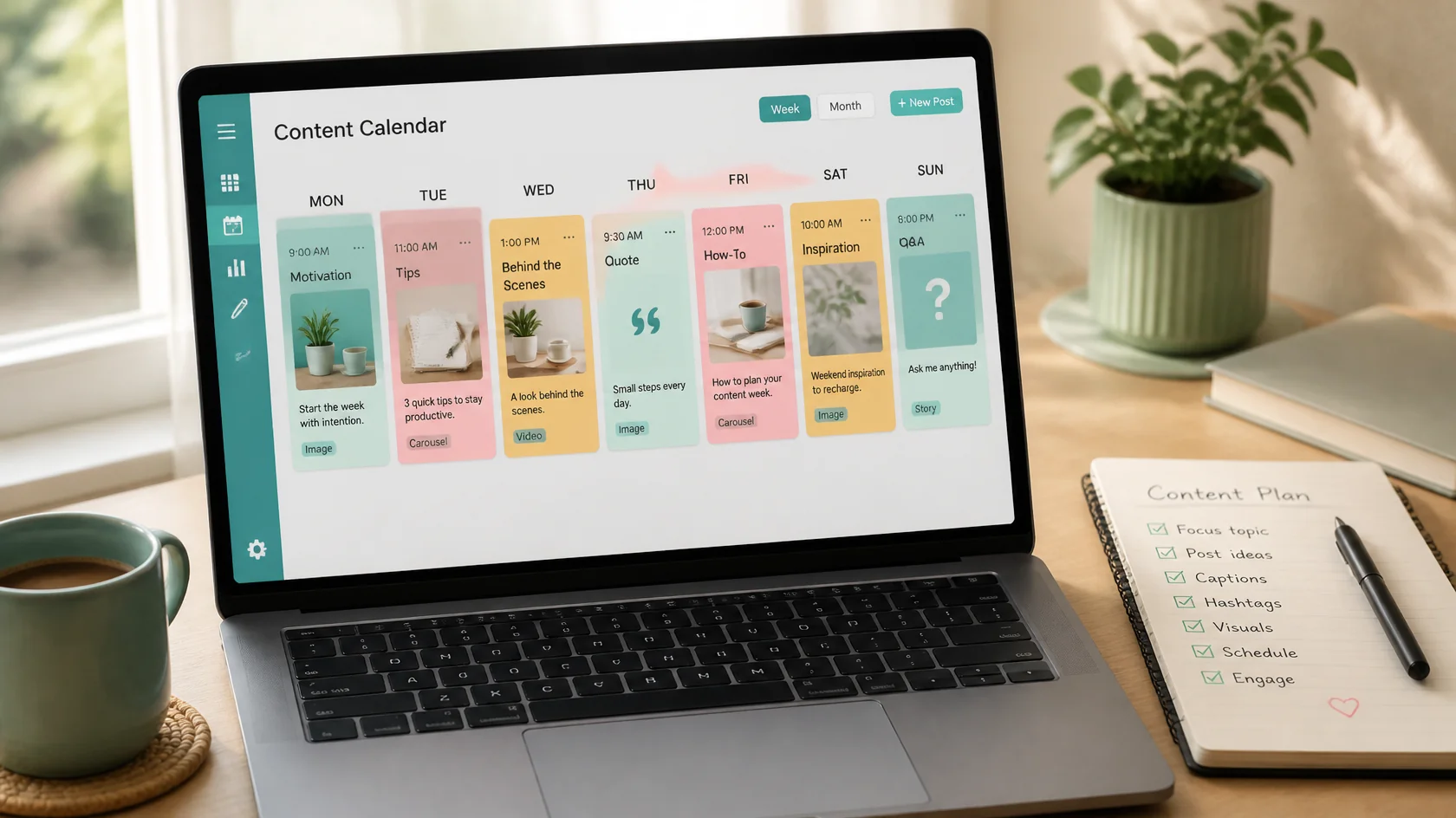
Plan once, and your whole week is ready.
Want to see scheduling in action? Read how I schedule social media posts with Claude. And for making posts fast, here is how to make a social media post on Canva mobile.
Make a Social Media Plan With My Free Weekly Template
Copy this into your notes app, a notebook or a Google Sheet. Then change the ideas to fit your own brand. 📋
| Day | Post Type | Example Idea |
|---|---|---|
| Monday | Helpful tip | “3 ways to style one dupatta” |
| Tuesday | Behind the scenes | A story of you packing an order |
| Wednesday | Reel | A quick how-to or before and after |
| Thursday | Question or poll | “Which color should we make next?” |
| Friday | Product or offer | Your best seller with a clear price |
| Saturday | Review or story | A happy customer’s message |
| Sunday | Rest and plan | Check your numbers, plan next week |
Just starting? Then post on Monday, Wednesday and Friday only. Later, when that feels easy, add more days.
How to Make a Social Media Plan for a Whole Month With AI 🤖
This is my favorite part. Instead of thinking of 30 ideas myself, I ask AI. So copy this prompt into ChatGPT or Claude and fill in the brackets:
I run a [your business] in [your city]. My audience is [who they are]. My goal is [your goal]. Make a 30-day social media plan with 4 posts a week. Mix helpful tips, behind the scenes, reels and offers. For each post, give me the day, the post type, a short idea and a caption in simple English.
As a result, in one minute you get a full month. Then you just pick your favorites and change what you do not like.
In fact, I did this for my own brand, and Claude planned 60 posts with captions for me. Read the full story: how Claude planned 60 social media posts for me. For better prompts, see how to write AI prompts.
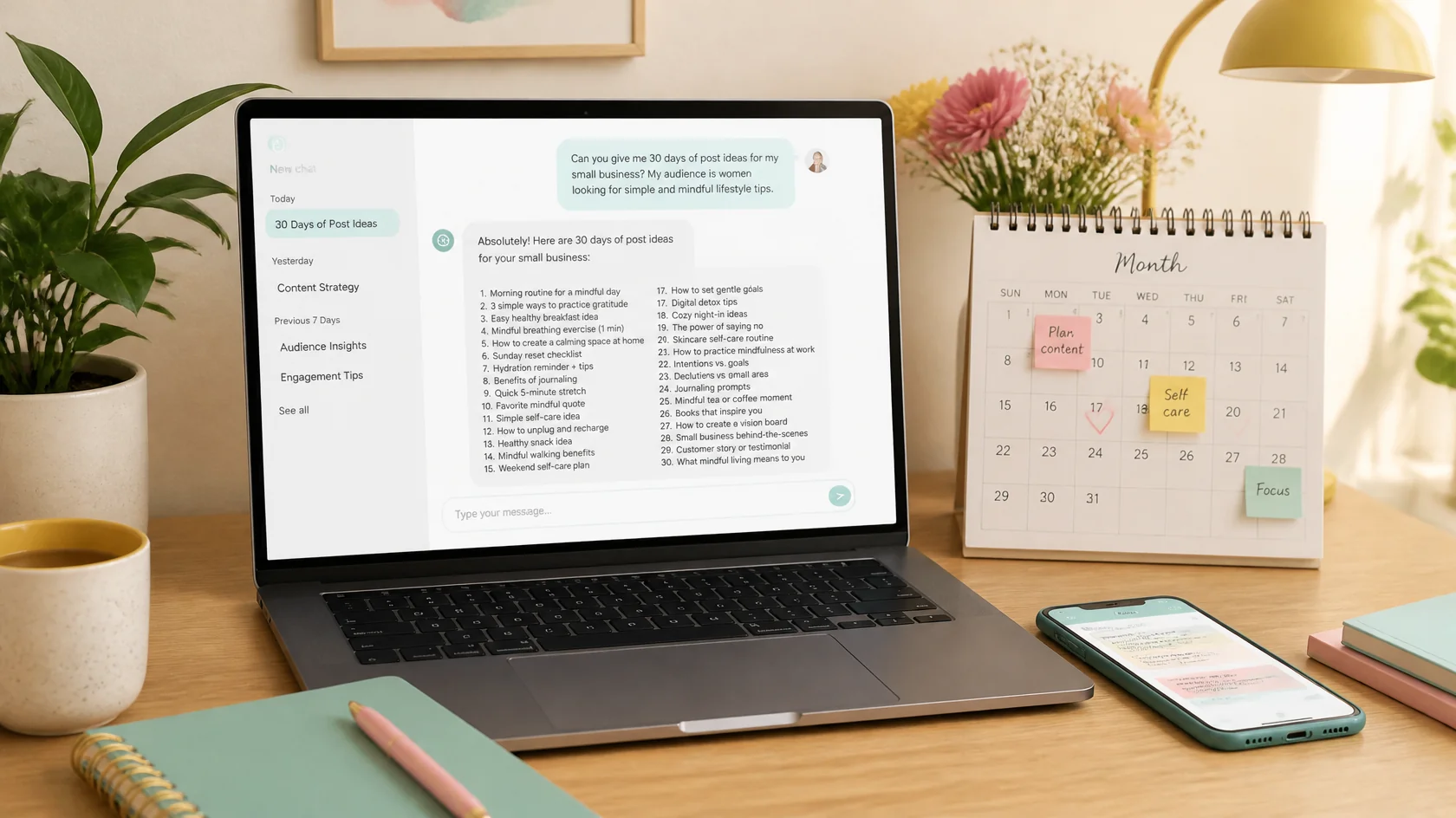
AI gave me a full month of post ideas in one minute.
Without a Social Media Plan vs With One
Every day starts with “what do I post?” So you post in a hurry, skip busy days, and your page goes quiet for weeks.
You know what is coming every day. Plus, posts are made and scheduled, and you have time to reply, learn and grow.
A Little Note From My Heart 💛
Now you know how to make a social media plan, and remember: it does not have to be perfect. In fact, mine changes all the time. Some ideas work, some do not, and that is how we learn.
The magic is not in a fancy calendar. The magic is in sitting down once a week and deciding. Above all, that one hour on Sunday gives you peace for the whole week. ✨
Just starting out? Read my social media marketing for beginners guide first.
More to know
Your Social Media Posting Schedule
A social media plan is only half the job. The other half is a content schedule you can really follow. Pick 3 to 5 posting days a week, write them in your calendar and stick to them. Good social media content planning is about consistency, not perfection. Even a simple social media posting schedule makes your page look active and trusted.
Quick Questions
How far ahead should I make my social media plan?
First, start with one week. When it feels easy, plan two weeks or a full month. Also, keep a little space for trends and special days.
What is the best free tool to make a social media plan?
When you learn how to make a social media plan, a notes app or a Google Sheet is enough. For scheduling, Metricool has a free plan, and Meta Business Suite is free for Facebook and Instagram.
How many posts should I put in my social media plan each week?
For beginners, 3 posts a week is perfect. Later, you can go up to one post every day. Quality and being regular matter more than the number.
What if I miss a day in my plan?
No problem at all! Just post the next planned post and then keep going. A plan is there to help you, not to stress you.
Your Sunday Task
Plan Your Week This Sunday! ☕
Copy my template, fill in 3 posts, and schedule them. Then come back and tell me in the comments how it went!